GenStream gives you a Windows machine with an NVIDIA RTX GPU in the cloud. Games run on the server and stream to your TV, phone or laptop — no game downloads, no hardware upgrades.
Log in with Google or a QR code · Controller support · Android TV app available
FEATURED ON GENSTREAM
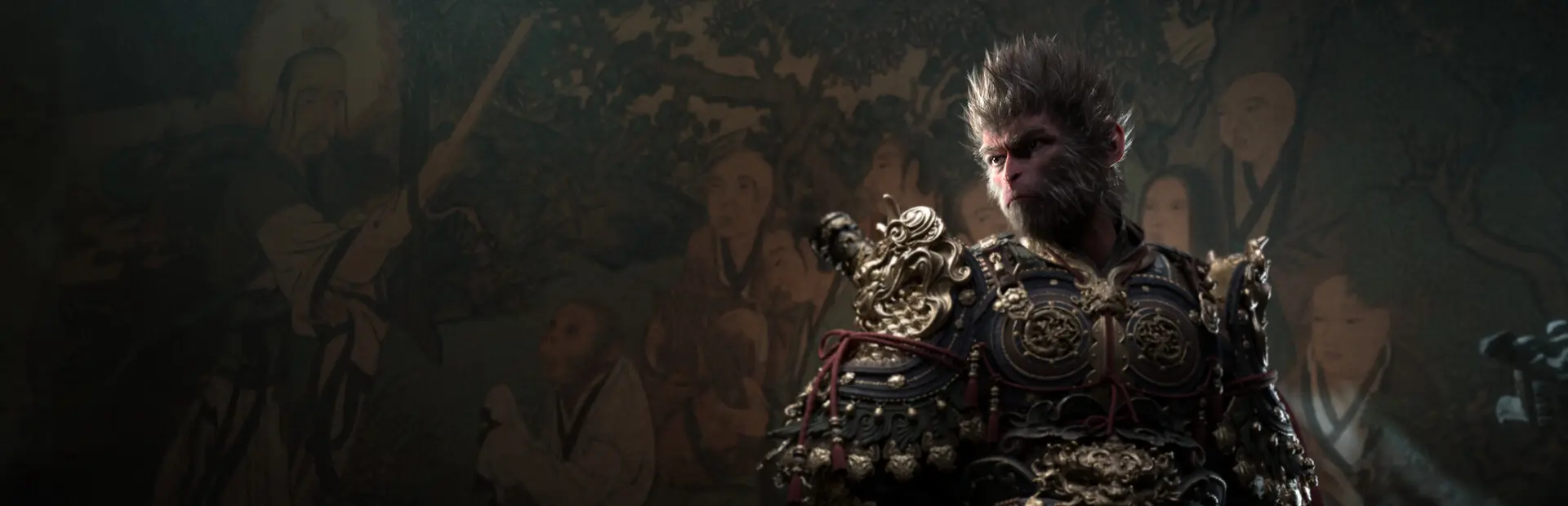
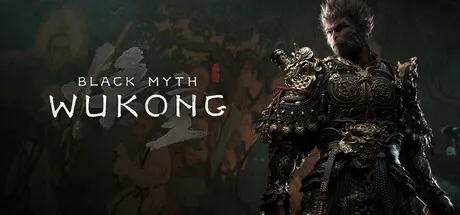
Black Myth: Wukong is an action RPG rooted in Chinese mythology. You shall set out as the Destined One to venture into the challenges and marvels…
ActionAdventure
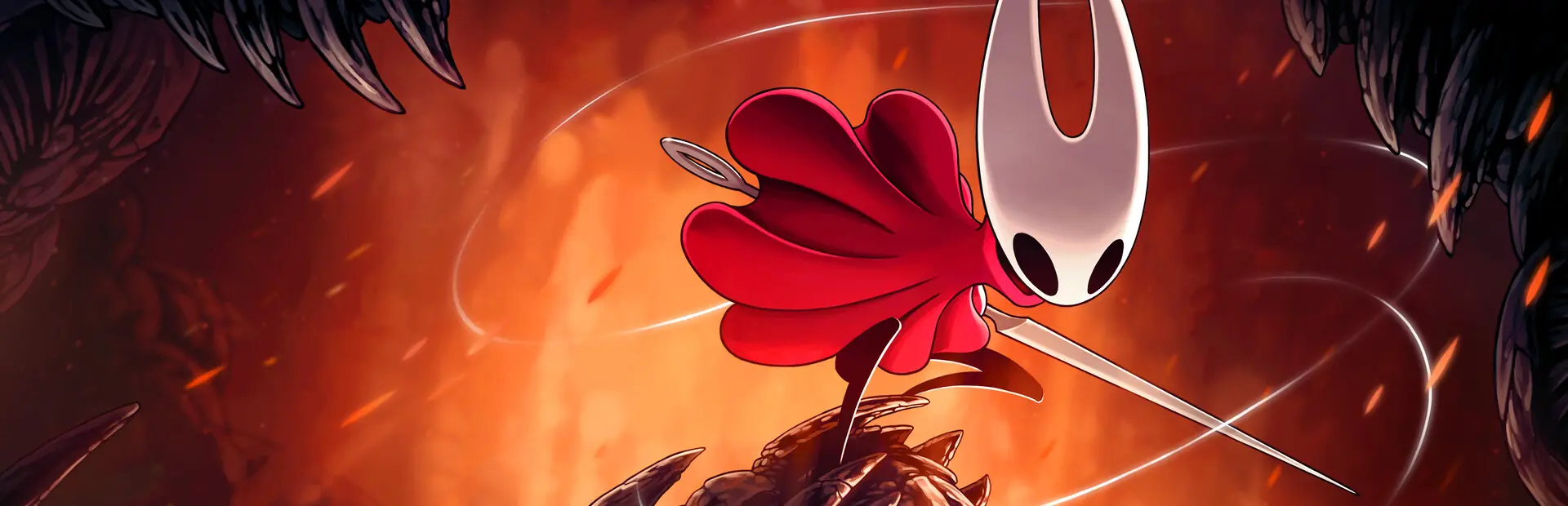
Discover a vast, haunted kingdom in Hollow Knight: Silksong! Explore, fight and survive as you ascend to the peak of a land ruled by silk and song.
ActionAdventure
Forge your own path in Hollow Knight! An epic action adventure through a vast ruined kingdom of insects and heroes. Explore twisting caverns, battle…
ActionAdventure
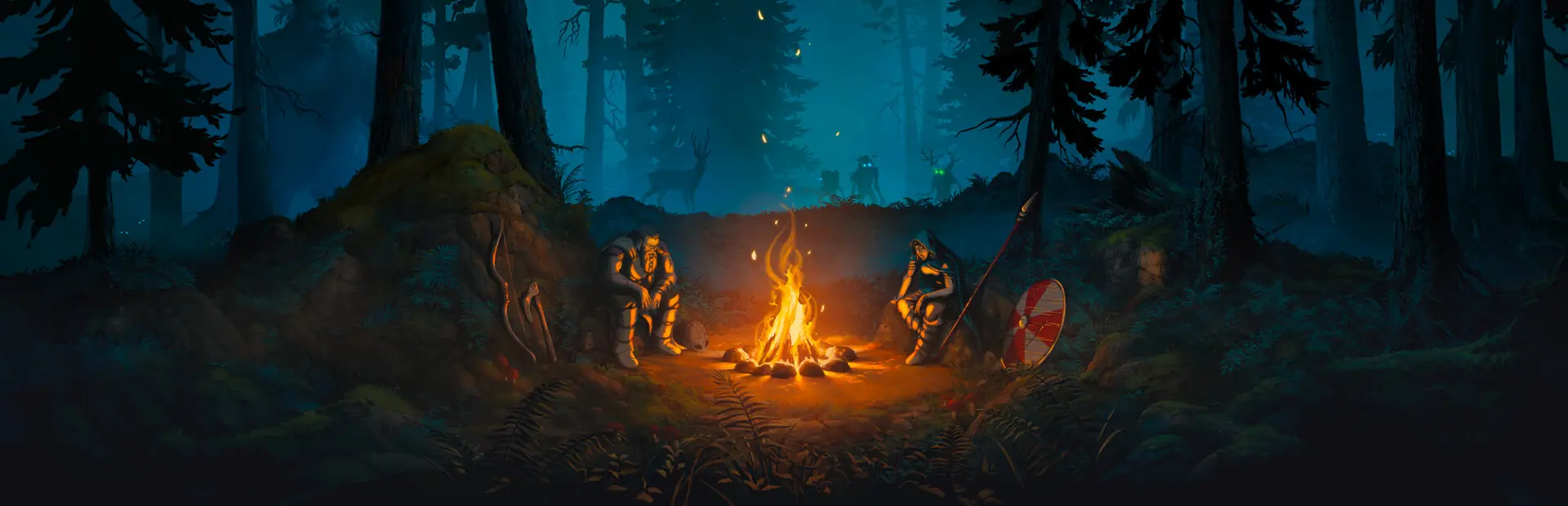
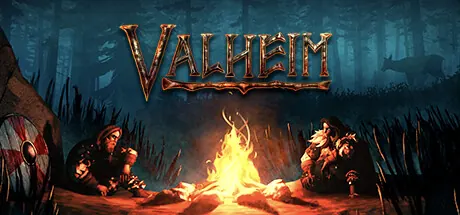
A collaborative exploration and survival game for 1-10 players, set in a procedurally generated afterlife inspired by Viking culture. Battle, build…
ActionAdventure
IndieRPG
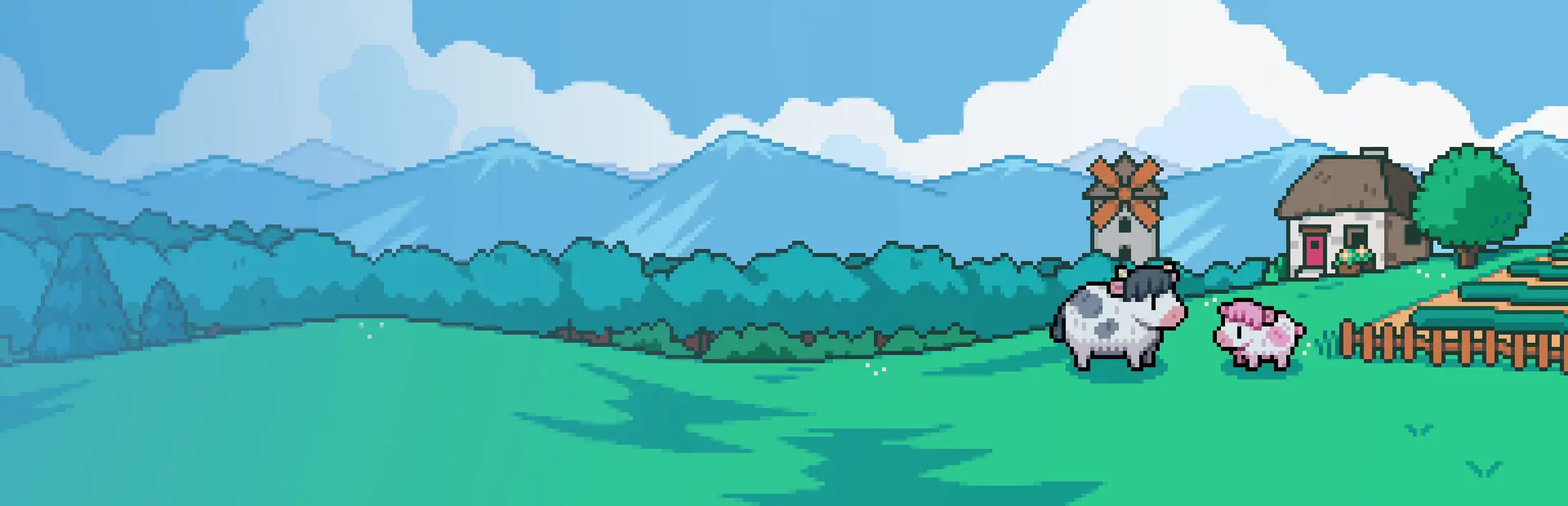
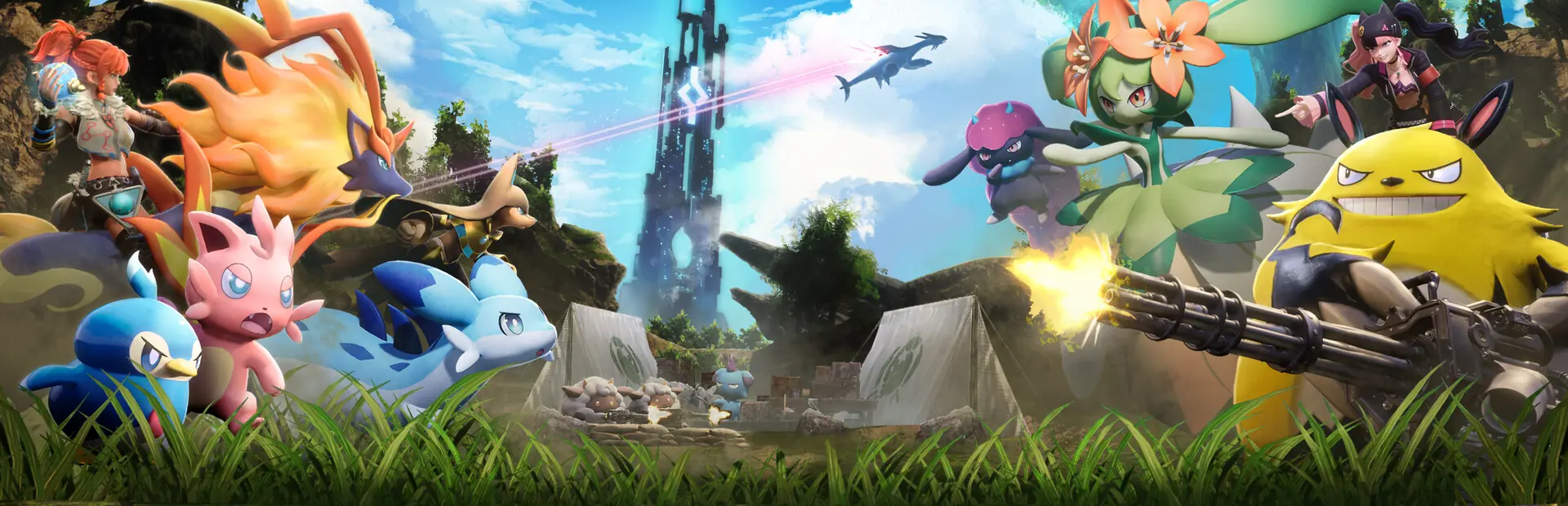
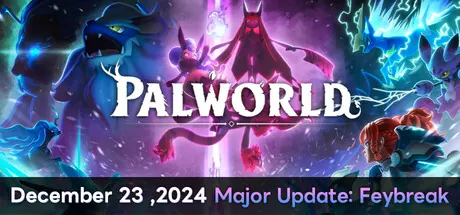
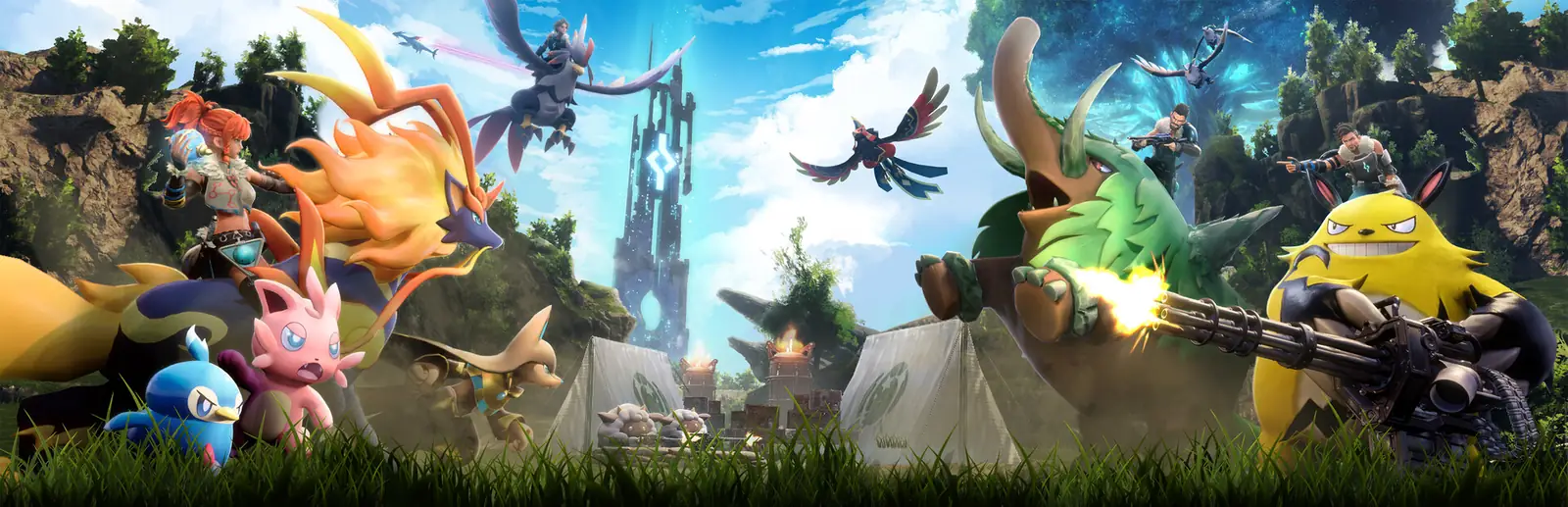
Fight, farm, build and work alongside mysterious creatures called "Pals" in this completely new multiplayer, open world survival and crafting game!
ActionAdventure
RTX 5060 Ti
Latest-gen NVIDIA RTX GPUs
30 TB
Pre-installed games, ready to play
5 platforms
TV · Android · Windows · macOS · Browser
1.200+
Gamer reviews
About us
GenStream is a gaming rig in the cloud
You get a Windows machine with an NVIDIA RTX GPU on GenStream's servers. Games run there and stream to whatever screen you already have — like sitting in front of a high-end gaming rig.
No downloads — a 30 TB library, pre-installed and ready to play
Connect Steam to play the games you already own
TV, Android, Windows, macOS and Safari on iPhone and iPad
No game installs, no hardware upgrades. All you need is an account and a stable internet connection.
1
Log in
Use Google or email, or scan the QR code with the GenStream app on your phone.
2
Choose a plan or use your Credit Wallet
Buy a subscription, or top up credits and pay by the hour.
3
Connect Steam and play
Sync the games you own. Popular games come pre-installed — just click and play.
Features
Your gaming PC, in the cloud
All the heavy lifting happens on GenStream's servers. Your device just needs a screen and a stable connection.
30 TB of pre-installed games — connect Steam and play
Popular games are ready to go on a shared drive — no downloads, no waiting for updates. Connect Steam to sync the games you own; your personal drive is just for game saves and your own data.
Also play games from
NVIDIA RTX GPUs
From RTX 3060 Ti to RTX 5060 Ti — plenty of power for AAA and esports games.
3060 Ti3090 Ti4060 Ti5060 Ti
Play on any screen
Android TV, Android phones, Windows, macOS and browsers — including Safari on iPhone and iPad.
This list updates automatically from the GenStream game library (Game API). Search by name, abbreviation (GTA, RDR2) or Steam App ID. Valorant is not currently supported.
Devices
Turn any screen into a gaming PC
Streaming to Smart TV
Turn your Android TV into a gaming PC
No console needed. Install the GenStream app, connect a controller and play on the big screen right in your living room.
1Install GenStream from Google Play on your Android TV
Credit WalletDon't want a plan? Top up credits — each hour of play is deducted from your wallet balance.
Golden hours 12 AM–5 PMDiscountedPlay off-peak for less. Got a Gift Code? Redeem it right in the app.
Community
What gamers say about GenStream
1.200+ reviews
GenStream lets me play Steam games smoothly on a regular laptop. Setup is simple, latency is low, and I don't need to buy a high-end gaming PC.
MAMinh AnhCloud gaming player
Playing PC games on Android is smoother than I expected. GenStream makes it easy to use a controller and get to my games without installing anything on my device.
TATuấn AnhAndroid player
The Cloud PC is powerful and responsive. I've tried lots of games on Steam and Epic Games, and it's stable enough to play every day.
Games run on powerful computers in GenStream's data centers. Your device just receives the video and sends your inputs, so you don't need high-end hardware.
Can I play games I already own?
Yes. Connect Steam to sync the games you own, or log in to Epic Games, GOG, Ubisoft Connect, EA app or Battle.net on your Cloud PC.
What if I don't want to buy a plan?
Use your Credit Wallet: no plan needed — each hour of play is deducted from your wallet balance.
What kind of internet connection do I need?
The more stable your connection, the smoother the picture. Run the in-app speed test before you play; 5 GHz Wi-Fi or a wired LAN connection works best.
Where are my data and game saves stored?
Game saves and personal data live on the personal drive in your Cloud PC. Pre-installed games sit in the shared library and don't count toward your storage.
Does it work on iPhone and iPad?
Yes. Open Safari on your iPhone or iPad, go to app.genstream.io and log in to start playing — no app to install.
How do I try it for free?
Use the Free plan: the first time you play on an Android device, you get 3 free hours of play, up to 30 minutes per session. Need a hand? Head to the GenStream Discord.
Ready to play?
Download GenStream for Smart TV, Android, Windows and macOS — or play right in your browser, including Safari on iPhone and iPad.
Add GenStream to your Home ScreenOpens like an app — no App Store needed
Add GenStream to your Home Screen
Get a GenStream icon on your iPhone or iPad: tap it and play, full screen like an app.
!
Open this page in SafariYou're viewing this inside another app (Facebook, Instagram, TikTok…). Tap ••• or the share button, then choose “Open in Safari”.
1
Open app.genstream.io in SafariTap the “Open GenStream” button at the end of this guide.
2
Tap the Share button It's in the bottom bar on iPhone and the top-right corner on iPad. If you don't see it, tap ••• first.
3
Choose “Add to Home Screen” Scroll down in the Share sheet, choose it, then tap Add.