Use this guide when GenStream isn't available on Google Play on your Xiaomi TV or Google TV. You'll install the Android TV package from a USB drive.
Before you start: Have a USB drive, the GenStream Android TV installer, and an internet connection ready. Menu names may differ slightly depending on your TV model and Android TV version.
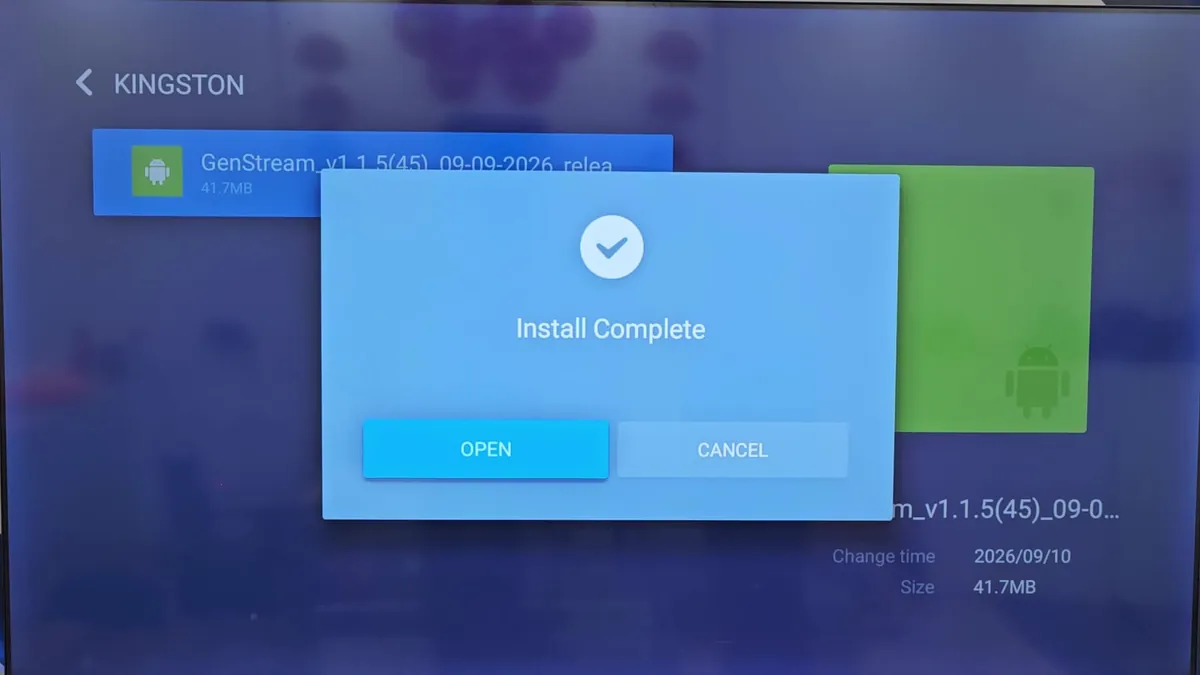
Installation steps
- Download the GenStream Android TV installer to your computer.
- Copy the installer to the USB drive, then safely eject the drive.
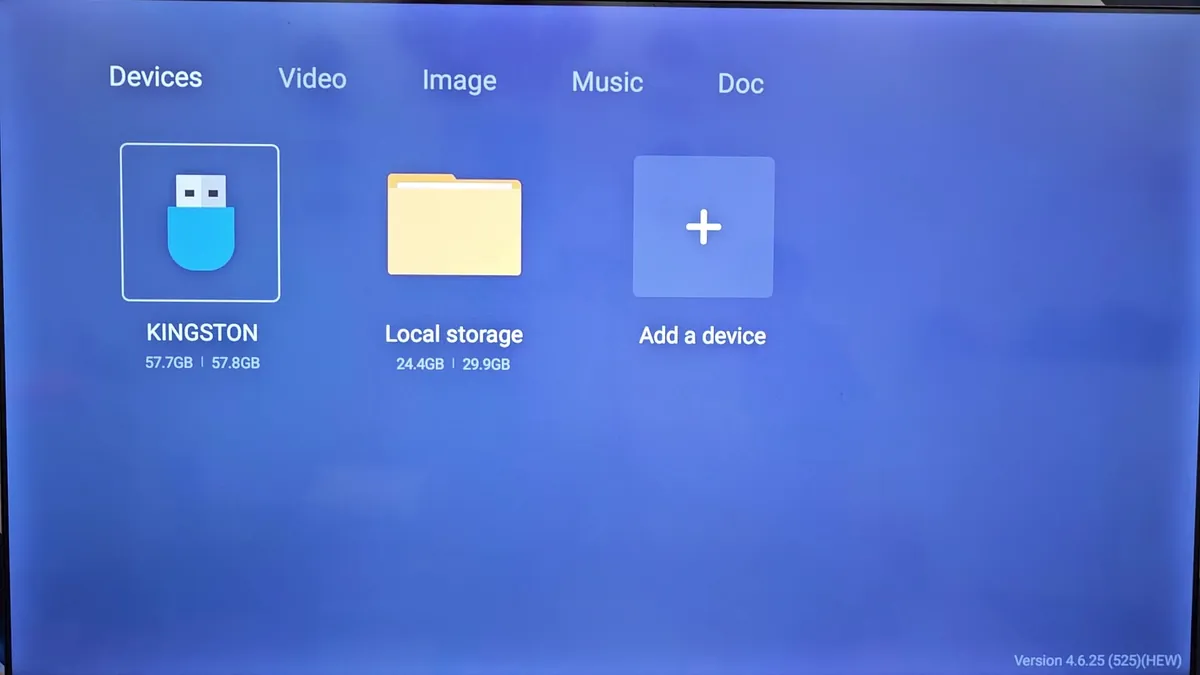
- Plug the USB drive into your Xiaomi TV or Google TV.
- Open the file manager on your TV and find the GenStream installer.
- If prompted, allow installs from this source in your TV's security settings.
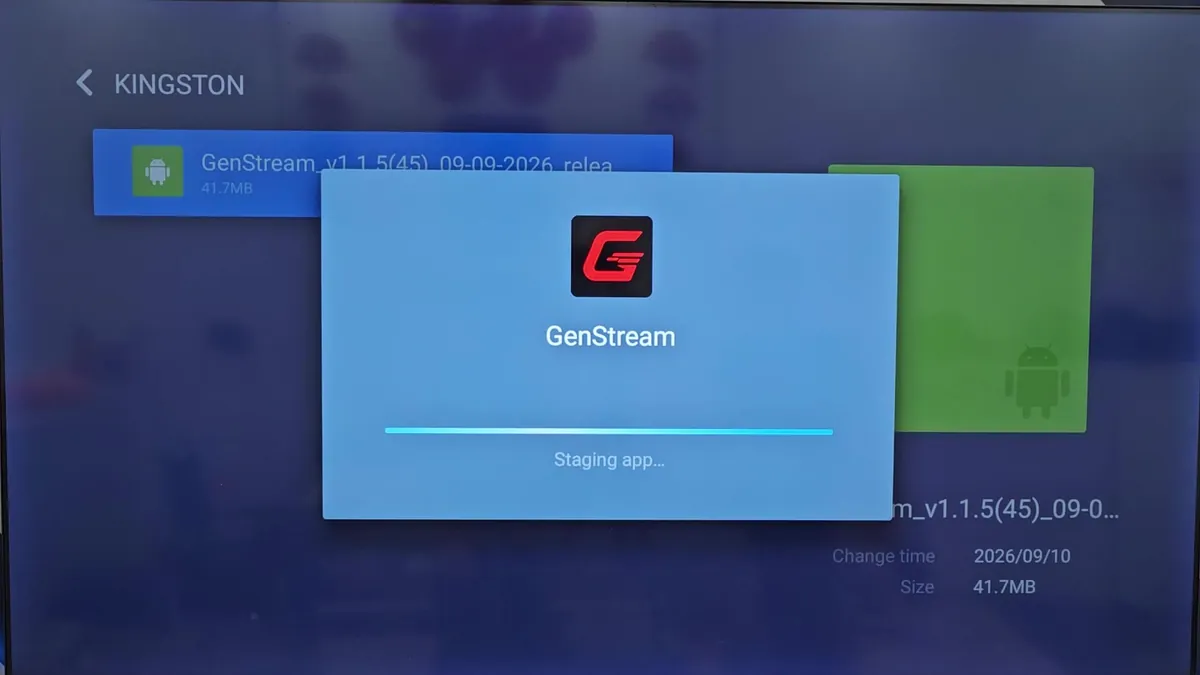
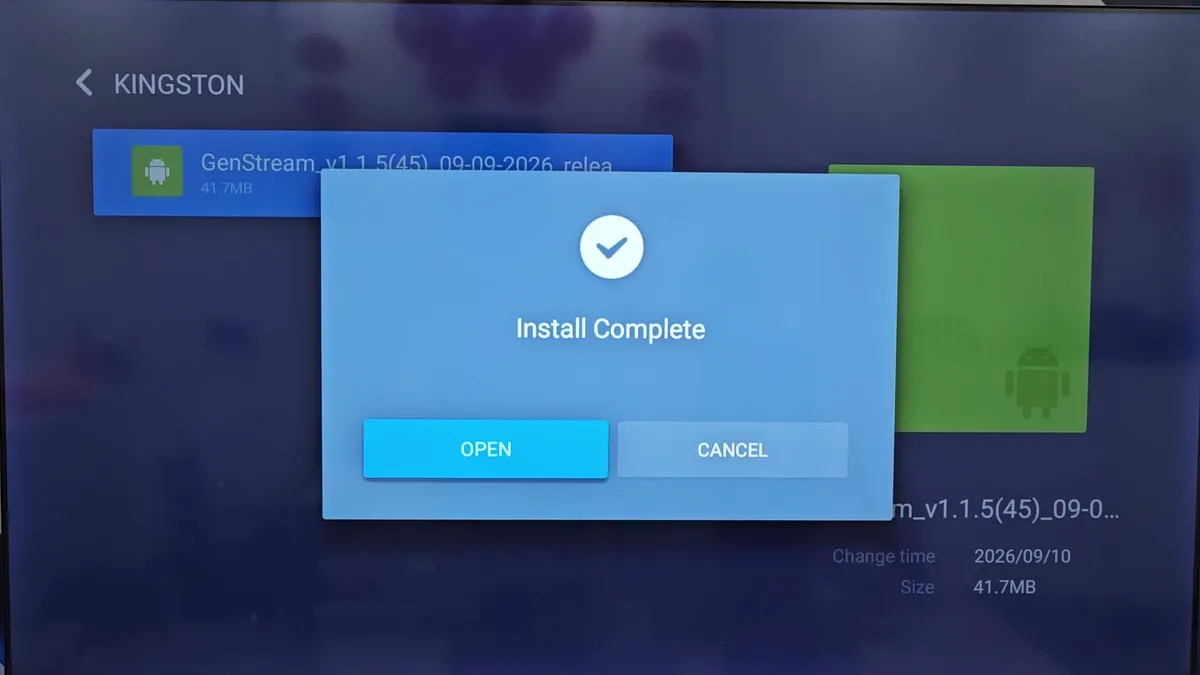
- Select the file again, press Install, then wait for the installation to finish.
- Open GenStream, log in, and start your cloud gaming session.